Instagram Viral Aesthetic Blur Photo Editing | ChatGPT Photo Editing Prompt | Ai Photo Editing
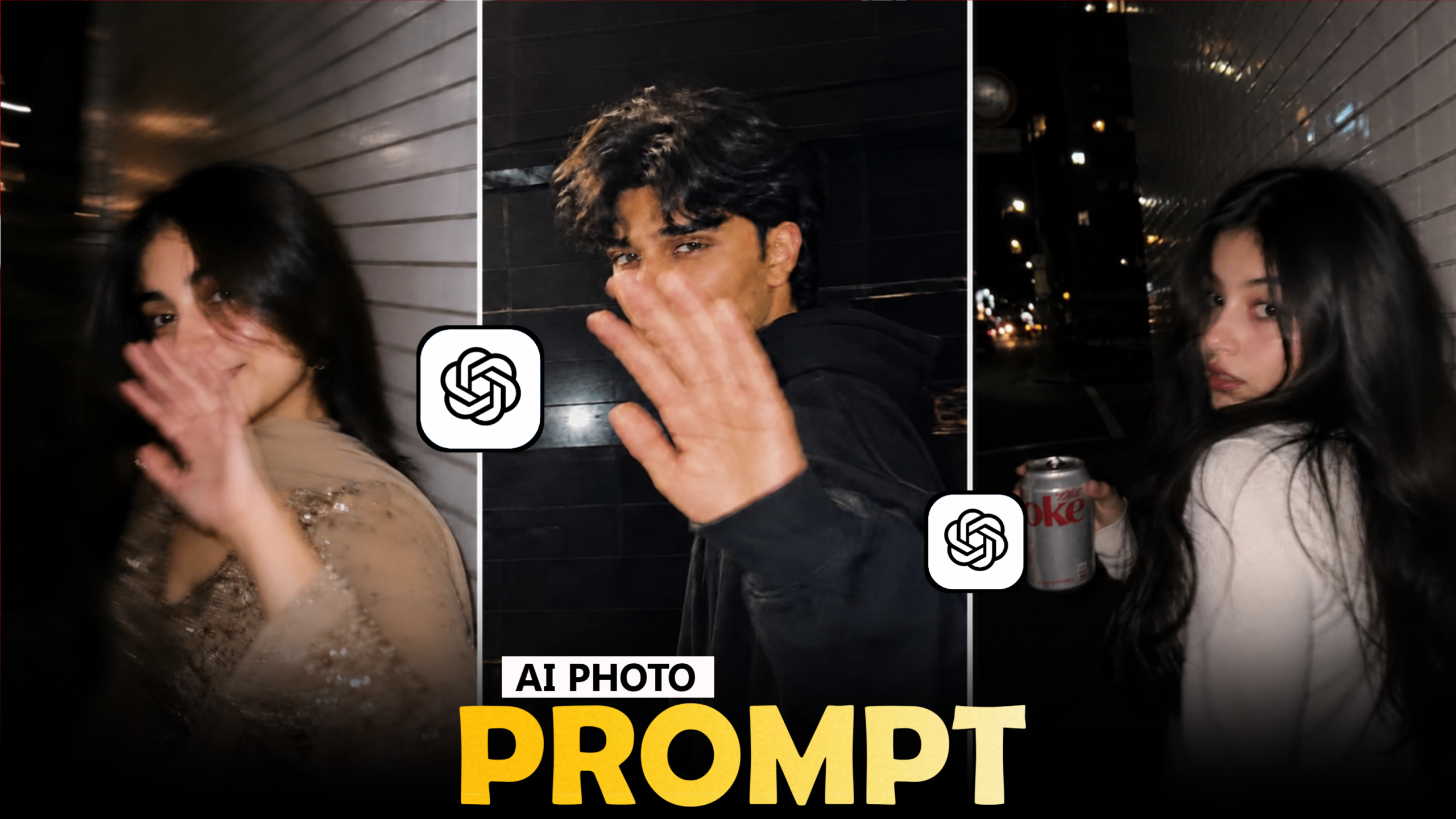
A little blur can completely change the character of a photograph. When it is used around the right subject, it creates depth, softness and a cinematic atmosphere without hiding the main details of the image. This is why aesthetic blur edits continue to work so well for Instagram portraits and creative photo posts.
With ChatGPT and AI photo editing, you can take an ordinary portrait and create a polished blurred-background composition while keeping the person and important facial details realistic. The trick is to make the blur feel like it came from a real camera rather than looking like a filter placed over the entire photograph
Create Aesthetic Depth Without Losing The Subject
A strong portrait usually needs a clear separation between the person and the background. Instead of applying blur equally across the entire image, the AI should understand where the subject ends and where the environment begins.
This creates the appearance of a shallow depth of field, similar to what you might see in a portrait captured with a camera using a wide aperture.
Keep The Face Completely Clear
One of the most important instructions in this type of edit is to protect the subject from unwanted blur
The eyes, eyebrows, lips, facial texture and important hair details should remain sharp. If the AI applies the same blur strength to the entire image, the result can quickly look artificial
The prompt specifically separates the subject from the background so that the blur gradually increases as the distance from the person increases
This gives the image a more believable camera-like appearance
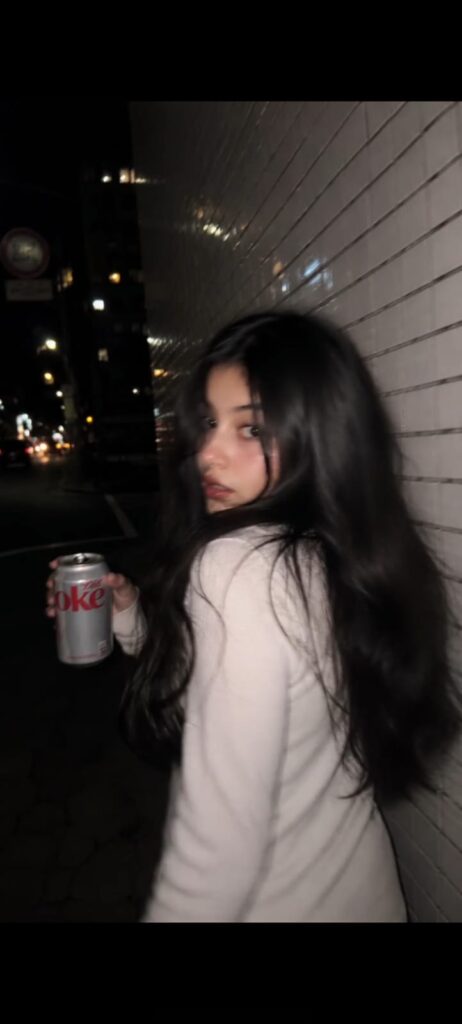
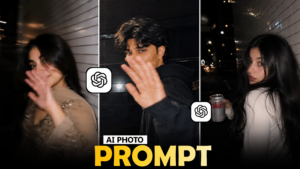
PROMPTS :- Ultra-realistic candid iPhone night photo, 9:16. Use the reference image only as inspiration for the subject’s overall appearance while creating a fully original, non-identifiable person (not a face copy). Stylish person in an all-black outfit walking beside a white tiled wall, looking back over their shoulder. Natural motion blur, slight camera shake, face 60-70% sharp, warm streetlights, cinematic bokeh, wet pavement reflections, iPhone flash, realistic skin texture, handheld snapshot, shallow depth of field, authentic Instagram aesthetic, no Al look, no HDR, no filters, photorealistic.
Different Ways To Use The Effect
- The aesthetic blur concept can be adapted to many types of photographs
- A casual outdoor portrait can use greenery or a street as the blurred background. A traditional outfit photograph can use soft architectural details. A night portrait can include blurred lights behind the subject
- You can also create a softer minimal look by keeping the background simple and using only gentle depth of field
- The same technique can therefore produce very different results depending on the original image
Choose The Right Reference Image
Try using an image where:
- The face is clearly visible
- The subject is separated from the background
- The photograph has reasonable lighting
- The original image is not heavily compressed
Avoid Overdoing The Blur
More blur does not automatically mean a better aesthetic photograph
If everything behind the subject becomes completely unrecognizable, the image may lose context. A realistic camera photograph often retains some shapes and colors in the background even when they are out of focus
The transition around hair and shoulders is also important. Hard edges around the subject can make the editing obvious, so the background should blend naturally around fine hair strands and clothing
Aesthetic blur edits can work particularly well in vertical formats. If you plan to use the image for Instagram content, consider a composition that leaves the subject comfortably inside the frame
A 4:5 portrait can work well for feed posts, while 9:16 is useful when the image is intended for Stories or Reel covers
Before posting, check the image at full size. Make sure the face remains detailed and that the blur transition does not create strange edges around the subject
The strongest result is not necessarily the one with the most effects. It is the one where the subject, background and lighting look as though they genuinely belonged together when the photograph was taken


Post Comment