15 August Viral Photo Editing Tutorial Independence Day Photo Editing 2026
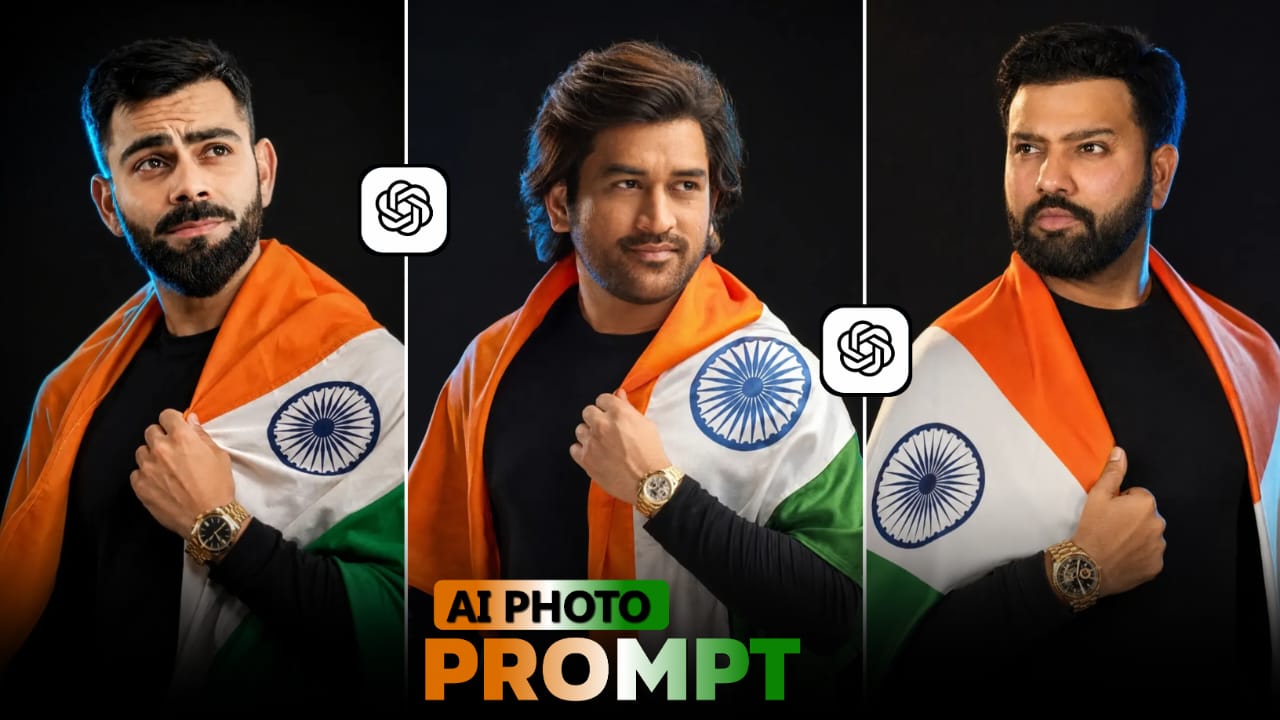
A simple portrait can be turned into a powerful Independence Day creative with the help of AI photo editing. For 15 August 2026, patriotic portraits are especially useful for Instagram posts, WhatsApp status images, profile pictures and Independence Day stories.
Instead of manually creating a background, adjusting every light effect and placing patriotic elements one by one, AI tools can handle much of the visual transformation from a single reference photograph.
Decide What Kind Of Independence Day Look You Want
Before generating the image, choose one visual concept.
You could create a cinematic patriotic portrait, where the subject stands against a dramatic Indian flag background with atmospheric lighting.
Another option is a realistic outdoor celebration, with the Indian flag naturally visible behind the subject.
For a cleaner social media design, a minimal patriotic studio portrait can work better, using subtle saffron, white and green lighting rather than a busy background.
Choosing one direction first helps the final image look intentional.
Fix Common AI Editing Problems
- AI-generated images can sometimes produce unwanted changes.
- If the face looks different, strengthen the identity-preservation instructions.
- If the hands look unnatural, regenerate the image with a simpler pose or keep the hands outside complicated visual elements.
- If the Indian flag looks distorted, specifically request a realistic fabric flag with correct proportions and natural folds.
- If the image becomes overly colourful, reduce the intensity of the background effects and request natural skin tones.
- These small corrections are often more effective than adding more and more instructions.
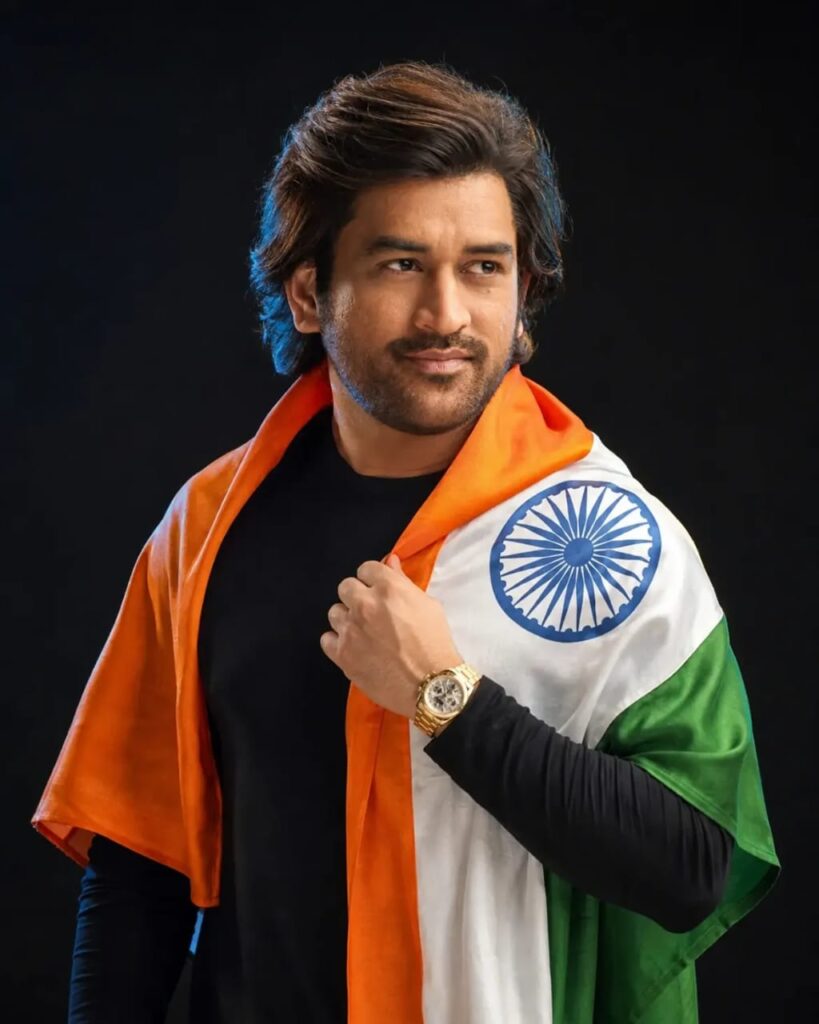
PROMPTS :- Create an ultra-realistic cinematic Independence Day portrait using my uploaded image as the ONLY face and identity reference. Preserve my exact face, hairstyle, skin tone, facial features, age, body proportions, and identity with maximum accuracy.Recreate the same composition: a close-up/medium portrait against a deep black studio background. I am standing confidently and looking directly at the camera with a subtle natural smile. Drape the Indian national tricolor flag naturally around my shoulders and upper body, with saffron on top, white in the middle, the navy-blue Ashoka Chakra clearly visible on the chest, and green at the bottom. Hold the flag near my chest with one hand. Wear a black shirt underneath and a realistic luxury wristwatch.Professional studio lighting, soft highlights on the face, subtle rim light around the hair and shoulders, realistic skin texture, detailed hair and beard, natural fabric folds, premium fashion photography, dramatic contrast, photorealistic, ultra-HD, sharp focus.No extra people, no watermark, no unnecessary objects or text.4:5 portrait ratio (1080×1350) – MANDATORY.
Final Touches Before Sharing
- Once the AI-generated image looks right, inspect it closely before posting.
- Zoom into the face and check whether the identity still looks natural. Look at the hands, clothing, flag details and background objects for unwanted distortions.
- Also check the edges of the image. If you are using a vertical format, make sure the head, shoulders or important background elements are not accidentally cut off.
- If everything looks clean, save the highest-quality version available and use it for your preferred social media platform.
That approach gives you a patriotic photograph that feels cinematic and modern while still keeping the original person at the center of the design.
Try Multiple Creative Directions
- After getting one good result, do not stop there.
- Use the same reference photograph to create several Independence Day variations.
- One version can have a bright morning atmosphere.
- Another can use a sunset background with cinematic lighting.
- A third can look like a professional patriotic studio portrait.
- You can also experiment with a wider environmental composition where the subject appears within a larger Independence Day celebration.
- This gives you several original visuals from the same photograph without making every version look identical.
The most effective Independence Day AI edits are not necessarily the ones with the largest number of effects. A strong reference photograph, realistic identity preservation, thoughtful composition and controlled patriotic lighting can create a much better result.
For your 15 August 2026 photo editing, start with a clean portrait, decide on a visual concept and let the AI transform the environment around you. Once the first result is generated, refine the details instead of rebuilding the entire image.

Post Comment