Instagram Viral Street Photo Editing Prompt | ChatGPT Trending Ai Photo Editing l Chatgpt Prompt
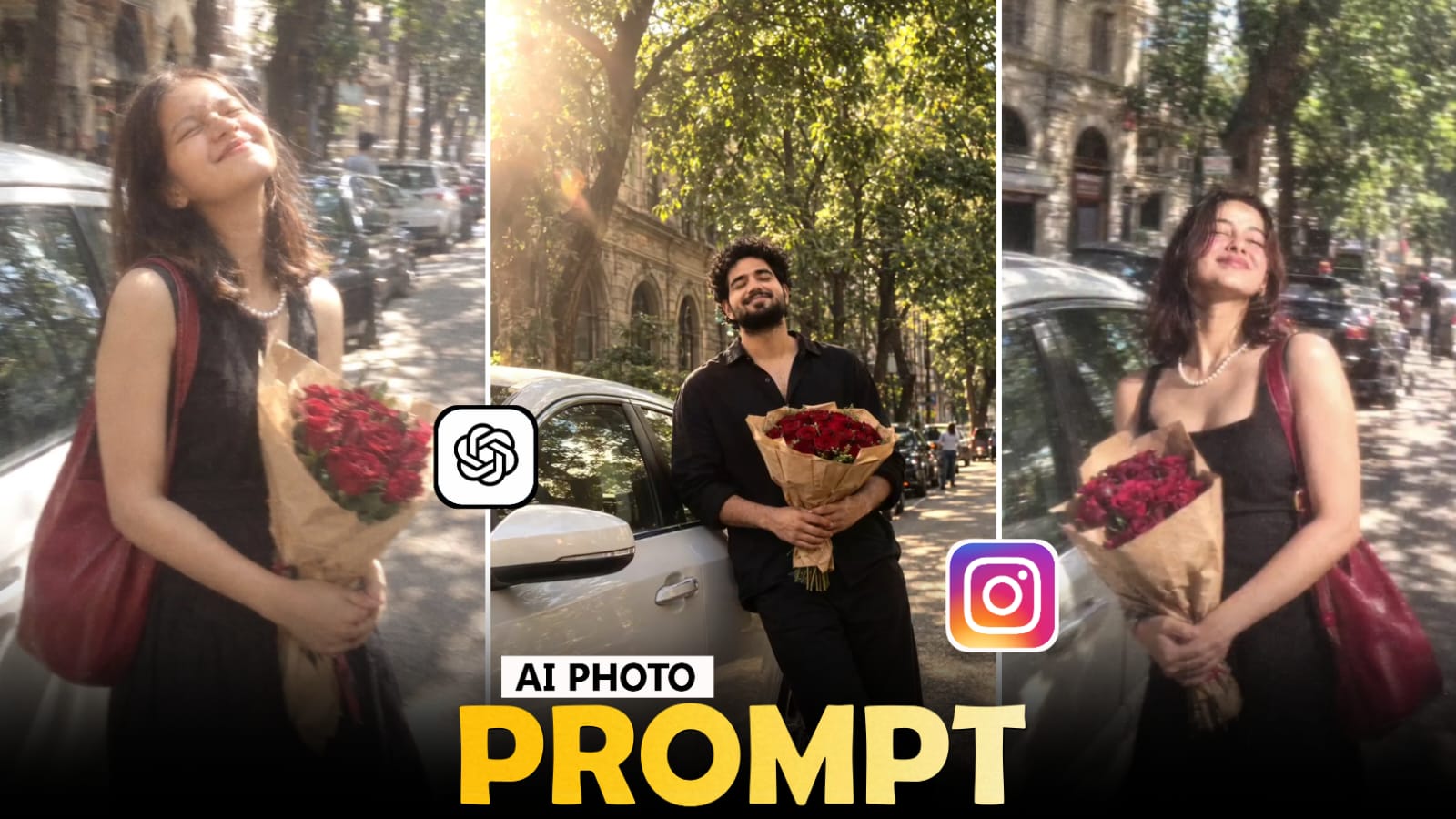
A simple portrait can look completely different when it is placed inside the right street environment. Instead of making the picture look like a heavily edited poster, a realistic street edit focuses on the feeling of an actual camera shot. The surroundings, subject position, light direction, clothing, and camera perspective all work together to create that impression.
For an Instagram-style result, the location does not have to be an expensive or famous place. A narrow city lane, roadside café area, modern building entrance, parking space, evening market, or quiet urban road can provide enough character. What matters more is how naturally the person belongs inside that environment.
ChatGPT can be used to build this type of scene from an existing photograph. Rather than asking the AI to simply “make it viral,” give it a complete visual idea. Explain what should remain untouched, what needs to change, where the subject should be positioned, and what kind of photography you want.
You can also create several versions from the same photograph. One version might use bright afternoon light, another can have a sunset atmosphere, while a third can look like a late-evening street portrait. Changing the environment and lighting gives you different results without needing a different editing idea every time.
First Decide What The Photograph Should Feel Like
Before writing the prompt, decide on the mood you want to show.
For example, you can go for:
- Clean urban fashion
- Luxury street photography
- Evening city mood
- Casual roadside portrait
- Rainy street atmosphere
- Cinematic night photography
Choosing one direction first prevents the prompt from becoming overloaded with unrelated details.
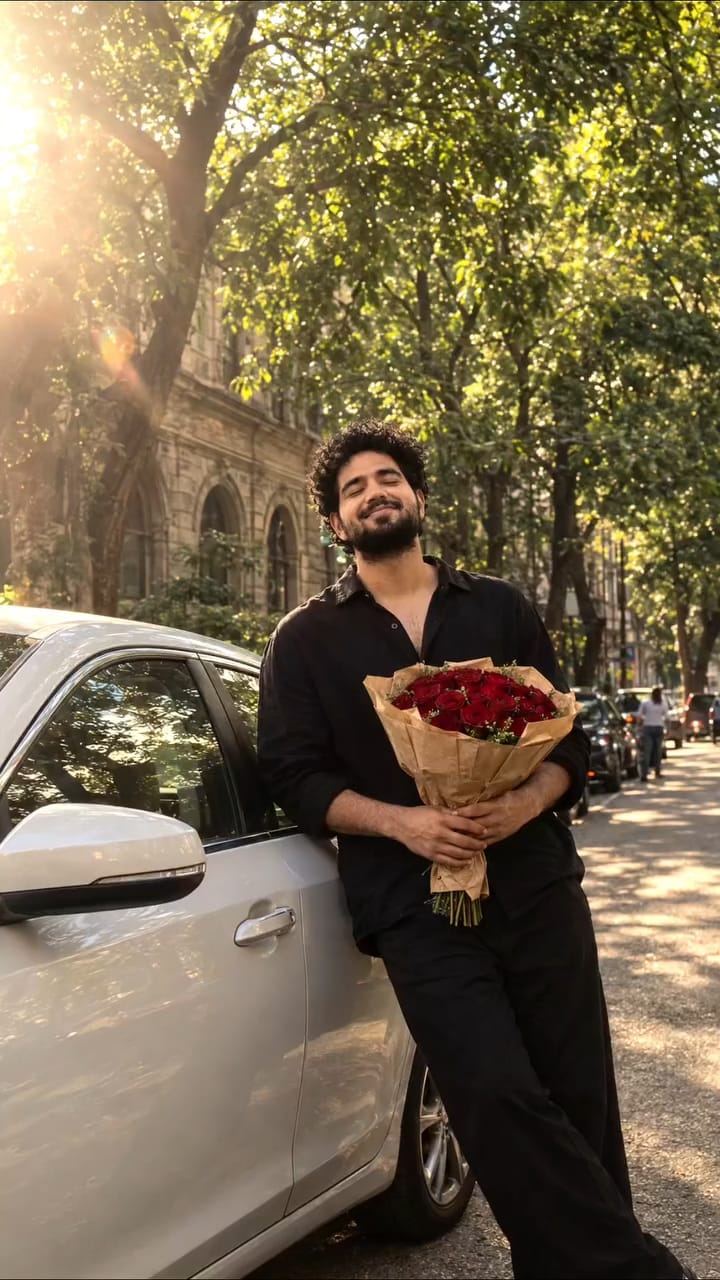
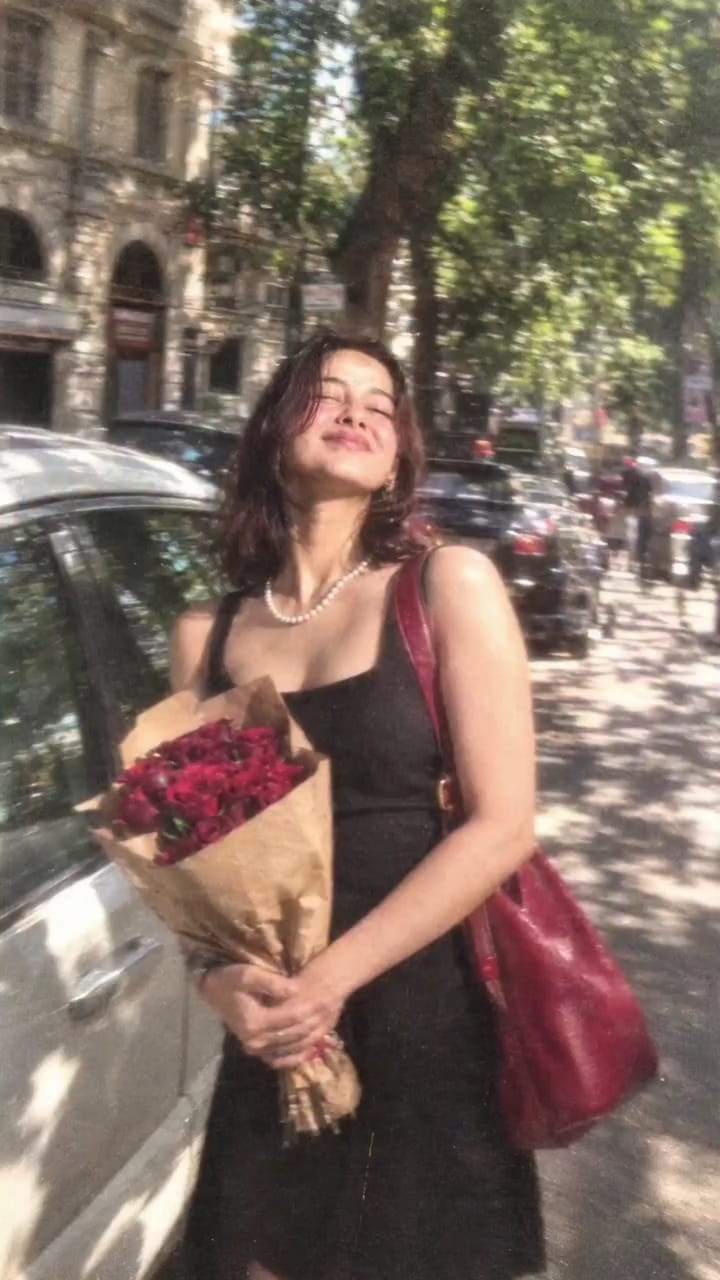
Decide What Should Stay Unchanged
This is one of the most important parts of the editing request.
Tell ChatGPT to preserve the original facial identity, facial proportions, hairstyle, skin tone, and recognizable features. If you also want the existing outfit to remain, mention that separately.
This creates a clear boundary between the original subject and the parts you want the AI to redesign.
Build The Street Around The Subject
Now describe the location.
Instead of writing only “urban street,” create a small scene. You could describe a stylish roadside with modern buildings, warm shop lights, parked cars in the distance, clean pavement, and a few softly blurred background elements.
The more logically connected the surroundings are, the easier it is for the final image to feel like one photograph rather than a person placed over a random background.
Add Photography Details Carefully
- A professional camera look can be created through several smaller instructions rather than simply asking for “4K.”
- You can mention realistic skin texture, natural depth of field, sharp facial details, accurate proportions, controlled highlights, subtle background separation, and realistic environmental reflections.
- These details help the image resemble a photograph instead of a generic AI artwork.
- The amount of background activity changes the mood considerably.
- A nearly empty road can create a calm and stylish portrait. A moderately busy street can make the photograph feel more spontaneous. If you want a premium Instagram aesthetic, keep background people and vehicles subtle so they support the scene without becoming the main subject.
You could turn a daytime street into a golden-hour location, change a quiet road into a modern city lane, or introduce subtle rain reflections for a night version. Keeping the core identity instructions unchanged helps maintain consistency.


Post Comment