Trending Mask Photo Editing Prompt l Instagram Viral Mask Photo Prompt l Chatgpt Prompts
A mask can completely change the character of a portrait without needing to hide the person’s identity. It can introduce mystery, fashion, drama or a cinematic atmosphere while keeping the original photograph recognizable. That makes mask-based AI editing especially interesting for Instagram posts and reels where a familiar face is combined with a completely different visual concept.
The final result depends heavily on how the mask is described in the prompt. Simply asking an AI tool to “add a mask” can produce an ordinary or poorly fitted result. A better prompt explains the mask design, its position, material, lighting, expression, clothing and surrounding environment. These details give the model a clearer idea of how the finished photograph should look.
For the most natural result, your original face should remain the identity reference. The AI can change the styling around the face while preserving recognizable facial characteristics. This is particularly useful when you want the final image to look like an edited version of your own photograph rather than a completely different person.
Start With A Clear Reference Photo
- Choose a sharp portrait where the face is clearly visible.
- A front-facing or slightly angled photograph usually gives the AI enough facial information to work with.
- Avoid heavily blurred or extremely dark source images.
Decide The Mask Style
Before creating the prompt, choose the exact appearance you want.
Possible directions include:
- Futuristic metallic mask
- Black tactical style mask
- Traditional decorative mask
- Mysterious half-face mask
- Fantasy-inspired mask
- Minimal elegant mask
Be specific instead of using only the word “mask.”
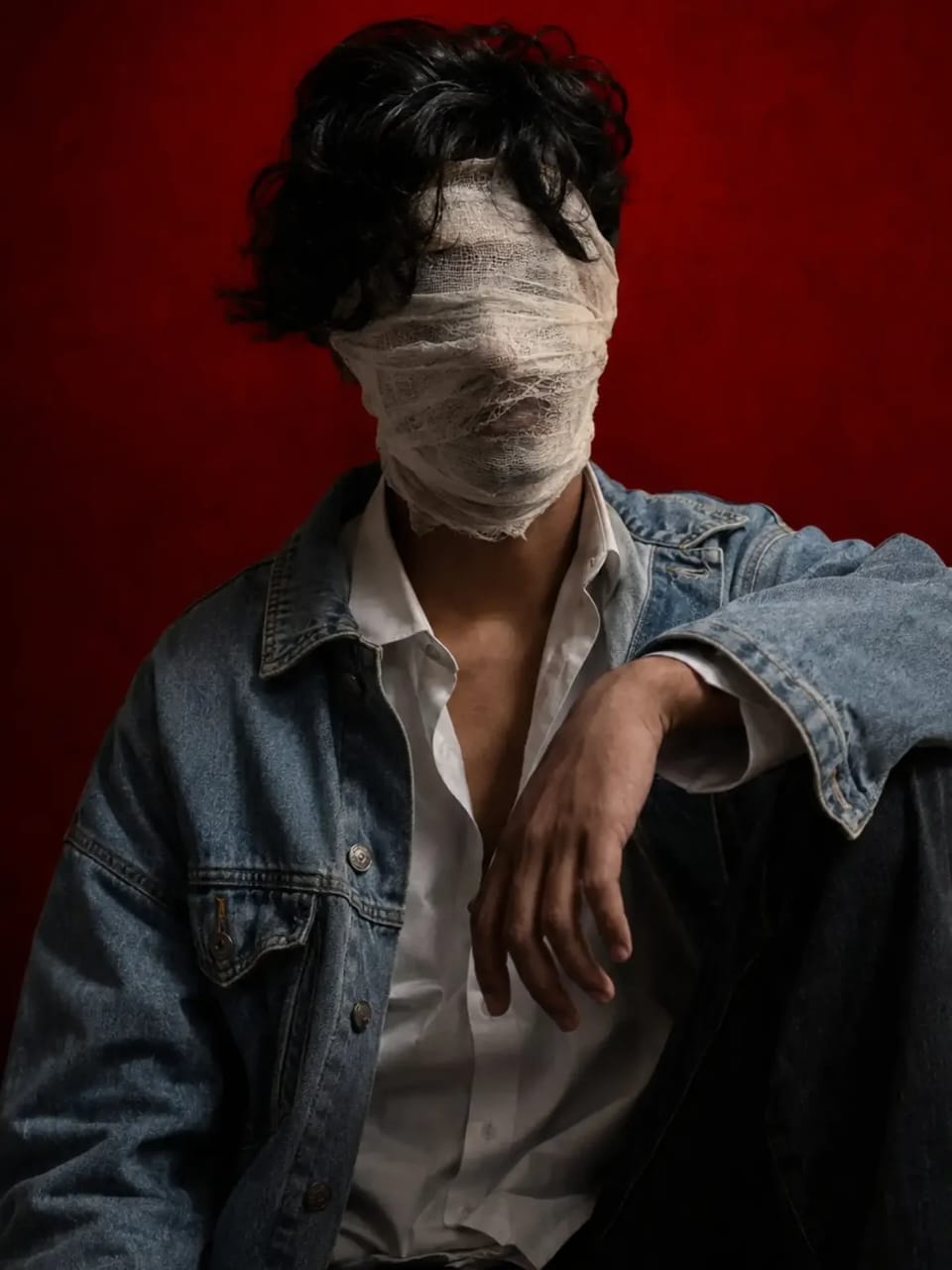
Mummy Bandage Photo Editing Prompt
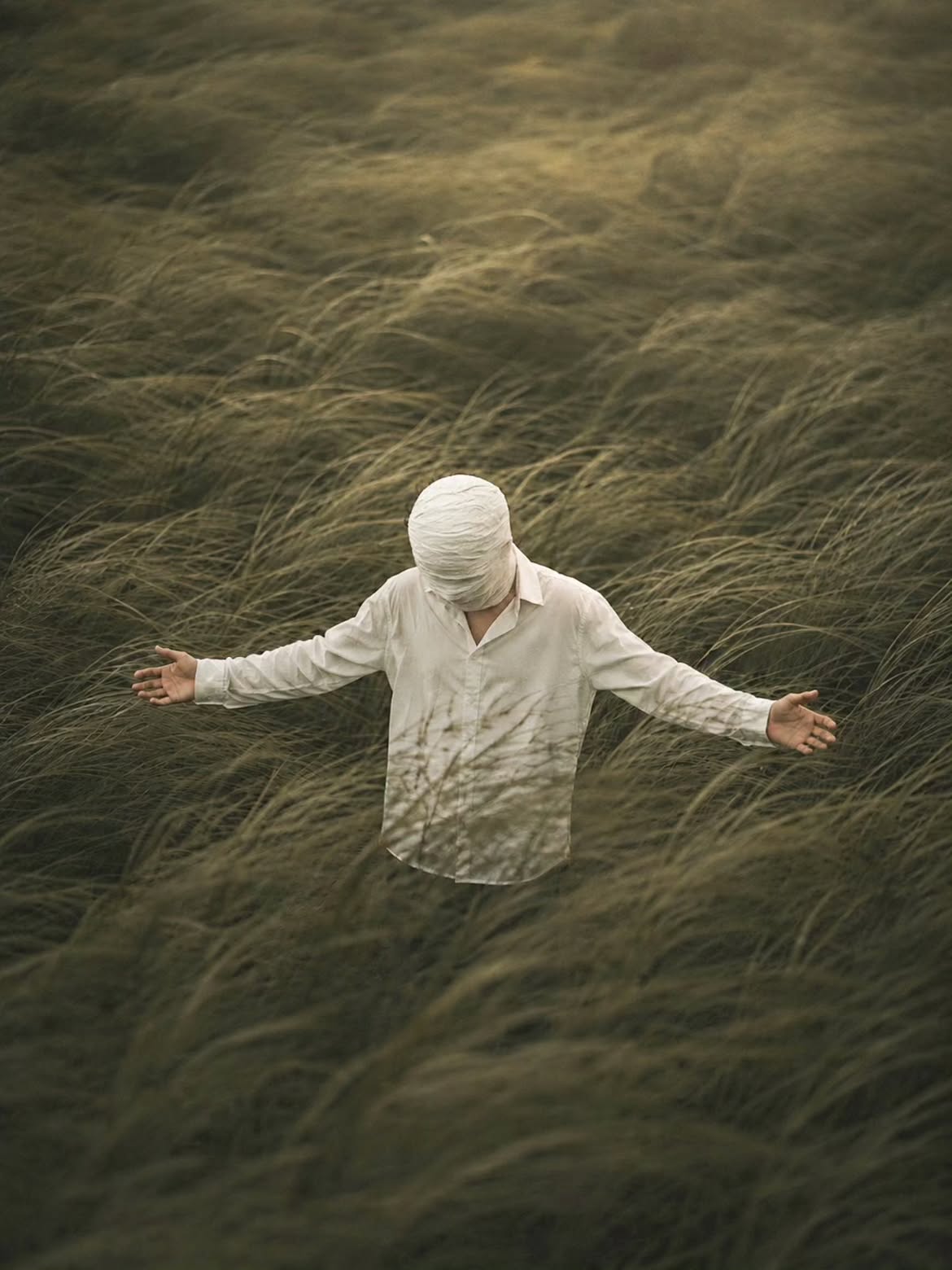
Mummy Bandage Photo Editing Prompt
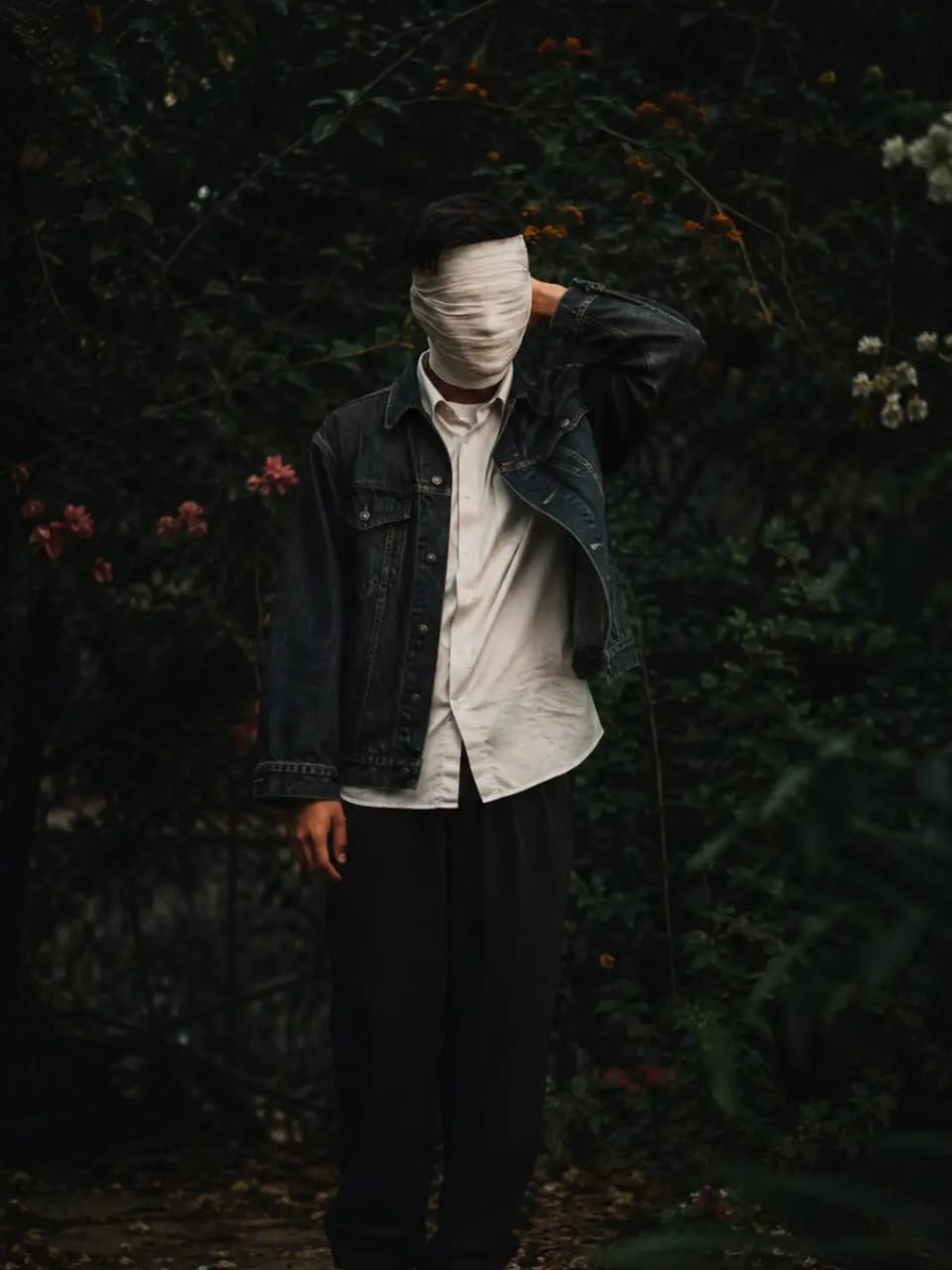
Mummy Bandage Photo Editing Prompt
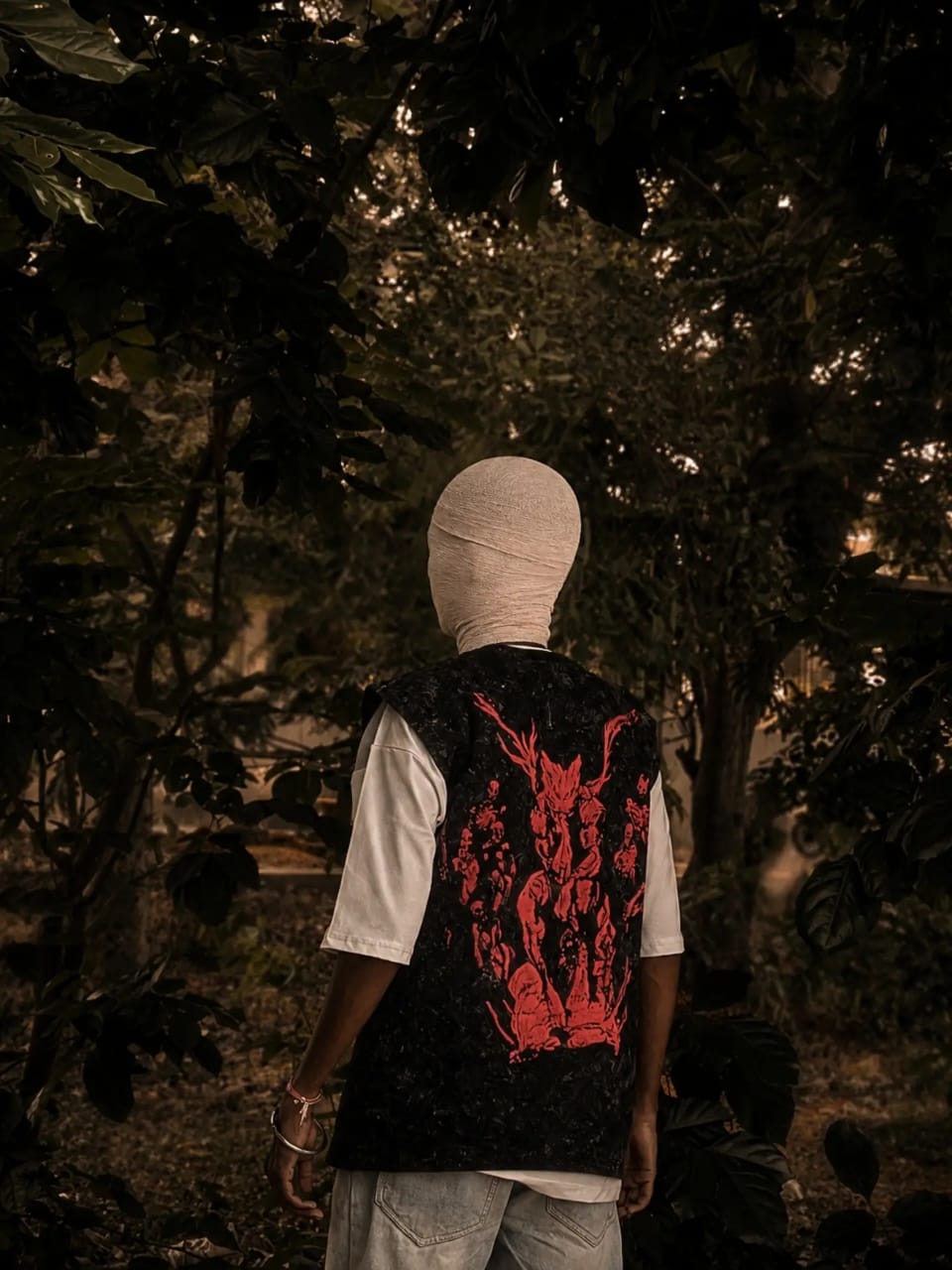
Mummy Bandage Photo Editing Prompt
Decide How Much Of The Face Is Covered
Think about the composition before generating the image.
A half-face mask can preserve more facial expression, while a full mask creates a stronger mysterious appearance.
You can also request the mask to sit naturally around the eyes, nose and cheek area.
Add A Photorealistic Finish
If you want the image to look like a real photograph, clearly mention the desired quality.
Useful details include:
- Photorealistic appearance
- Natural skin texture
- Realistic fabric
- Detailed mask surface
- Professional photography
- High-resolution finish
These instructions can help move the result away from an obvious AI-generated appearance.
Choose The Image Ratio
- For Instagram content, a vertical composition is usually useful.
- You can specify a 9:16 frame for a reel-style visual or choose 4:5 when creating a portrait post.
- Make sure the subject has enough space around the head and shoulders.
This gives the AI a clear visual hierarchy instead of mixing every instruction together.
A strong mask edit is not created by adding the maximum number of effects. The most convincing results usually come from one well-designed mask, controlled lighting, a suitable environment and careful protection of the original identity. Once those elements are described clearly, you can create several different versions from the same photograph while keeping the overall concept consistent.


Post Comment